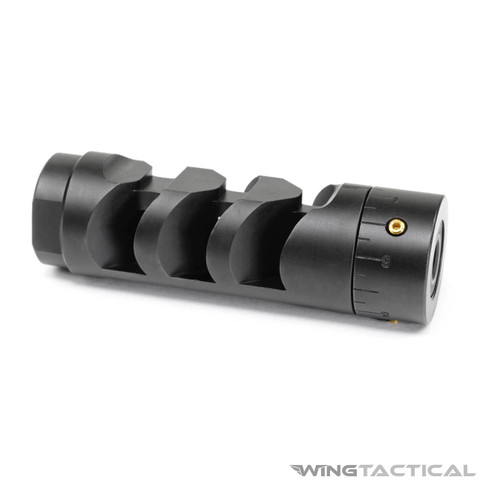
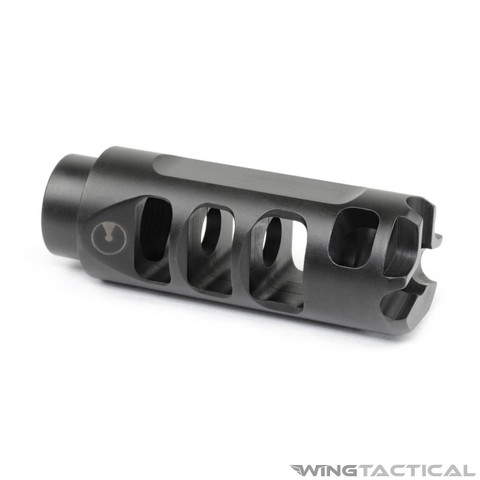
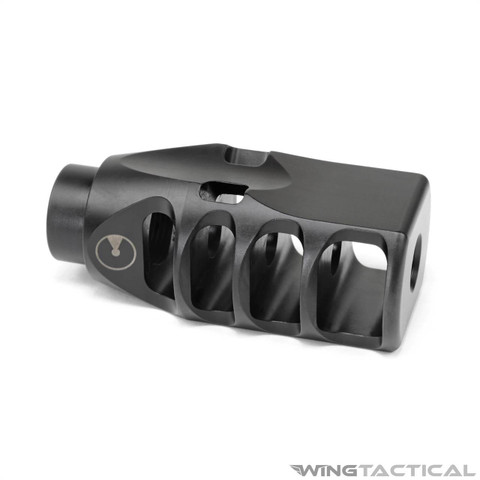
Description
MPN: ARM1932-BLK
Features:
- Brake + Harmonic Tuner in One: Combines effective recoil reduction with an adjustable harmonic tuning system to help tighten groups and improve shot-to-shot consistency
- Universal .30 Cal Compatibility: Designed for all .30-caliber rifles with 5/8×24 threads—not limited to AR-10 platforms
- User-Adjustable Accuracy Tuning: Integrated tuning system allows shooters to fine-tune barrel harmonics and locate the rifle’s accuracy sweet spot with specific ammo loads
- Reduced Recoil & Muzzle Rise: Brake geometry helps keep the rifle flatter, improving control and enabling faster follow-up shots
- Simple, Repeatable Adjustments: Straightforward tuning process—adjust, shoot, evaluate, and lock in settings without complicated tools
- Durable, Hard-Use Finish: QPQ black nitride coating provides excellent resistance to heat, wear, and corrosion
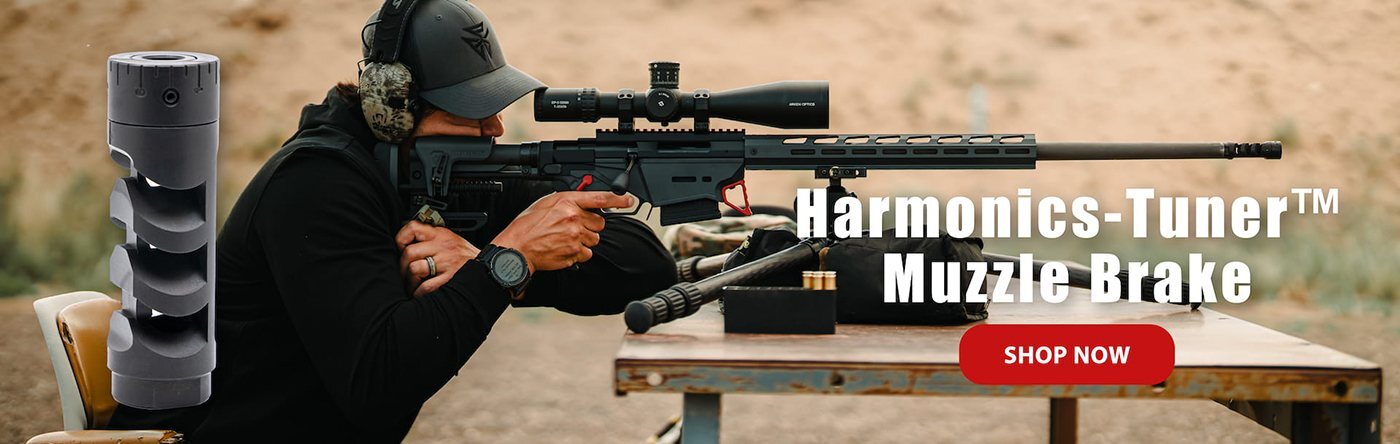
Specifications:
- Caliber: .308 Win. / 7.62 NATO / 300 Blackout
- Material: Steel
- Finish: Black Nitrite
- Weight: 4.59 oz.
- Length: 2.93"
- Outer Diameter: 0.94"
- Bore Diameter: 0.33"
- Thread: 5/8"-24
Compatibility:
- .30 Cal. barrel with 5/8"-24 thread pitch
Includes:
- 1x Armaspec Harmonics-Tuner Muzzle Brake (.308/7.62)
- 1x Crush Washer
Details:
Big-frame rifles bring more energy into the system, and that doesn’t just show up in recoil—it shows up in barrel harmonics. The Armaspec Harmonics Tuner Muzzle Brake is built to manage both. Designed specifically for AR-10–pattern rifles, it combines effective recoil reduction with an adjustable tuning section that lets you fine-tune how your barrel behaves with the ammunition you actually shoot.
Recoil Control With an Accuracy Edge
At its foundation, this brake works the way a quality muzzle device should: it reduces recoil and muzzle movement to keep the rifle flatter through the shot. Where it sets itself apart is the adjustable tuner at the front of the brake. By changing the mass position in small increments, you influence how the barrel vibrates as the round exits. That adjustment can help the barrel settle into a more consistent harmonic pattern, often tightening groups without changing ammo or chasing a new load.
Straightforward Tuning, Repeatable Results
The tuning process is simple and practical. Install the brake, shoot a baseline group with your preferred ammunition, then make a small adjustment to the tuner and lock it in place. Shoot another group and repeat until the rifle shows a clear preference. Once you find that setting, the tuner stays put. There’s no need for constant adjustment, making this a one-time setup rather than an ongoing project.
A Practical Upgrade for Precision-Oriented Builds
Instead of choosing between recoil reduction and harmonic tuning, this brake gives you both in a single, integrated unit. It’s an especially good fit for shooters dialing in a precision AR-10 who want measurable improvements in control and consistency without adding complexity or permanent modifications.
With its combination of recoil management, tunable harmonic control, and AR-10–ready durability, the Armaspec Harmonics Tuner Muzzle Brake offers a smarter approach to getting the most out of a large-frame rifle.
How to Tune Your Harmonics Tuner for Optimal Accuracy
Follow this step-by-step process to tune your harmonics tuner and improve your rifle’s group consistency.
Tuning Instructions:
- Start at Zero
Set your tuner to the “0” position. - Shoot a Group
Fire a 3-shot group at your target.
Be consistent with your aim and note the group size. - Adjust the Tuner
Increase the tuner setting by 2 increments (e.g., go from 0 to 2). - Shoot Another Group
Fire another 3-shot group at the same point of aim.
Observe and record the group size. - Repeat the Process
Continue increasing the tuner in steps of 2 (e.g., 0 → 2 → 4 → 6, etc.), shooting a 3-shot group at each setting.
Track your group sizes carefully. - Watch for Group Degradation
Keep increasing in steps of 2 until you notice that your groups start getting larger or less consistent.
This means you’ve likely passed the optimal tuning range. - Refine the Setting
Once the group size starts to worsen, go back to the previous setting that gave you the best result.
From there, make smaller adjustments (e.g., in steps of 1 or 0.5) to fine-tune and zero in on the best setting. - Lock It In
When you've found the setting that consistently produces the smallest group, lock it in place.